Date or week number
Choose what you want to see in your menu bar. The date updates automatically at the start of a new day.
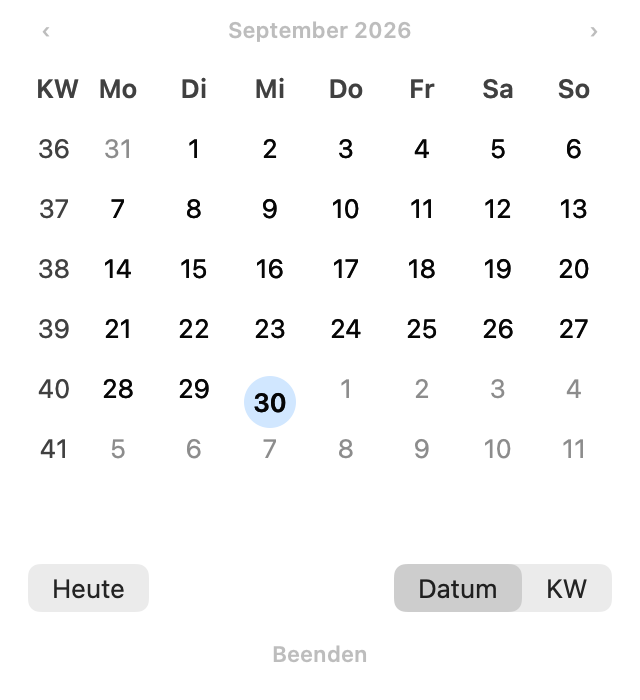
The date and week number in your Mac menu bar. One click opens a compact month view, so you can quickly check which weekday a date falls on.
The first version is in daily use. A public download will follow later.
Choose what you want to see in your menu bar. The date updates automatically at the start of a new day.
Use the arrows or trackpad to browse. Click the month heading to select a month and year; “Heute” takes you back to today.
Enable launch at login by right-clicking the menu bar item. Dailumo is then ready as soon as you sign in.
On my Mac, I wanted to quickly check the date of next Monday or the current week number. A small month view directly in the menu bar was exactly what I needed.
With support from AI, this became my first native Mac app. I use the first version myself every day. That real use has helped improve the day highlight, month and year selection, and launch-at-login setting step by step.
More about how I develop with AI →Get in touch if you would like to try the app later or have an idea for its development.